How to Play Turbo Lanes
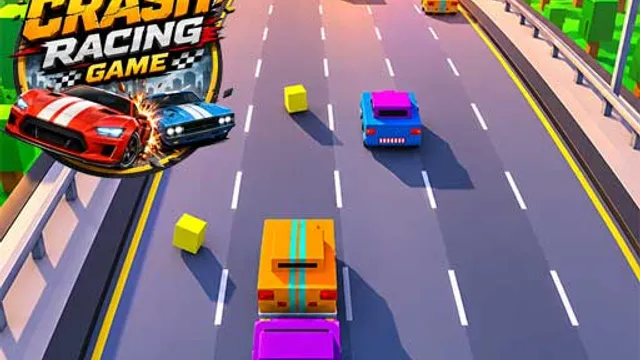
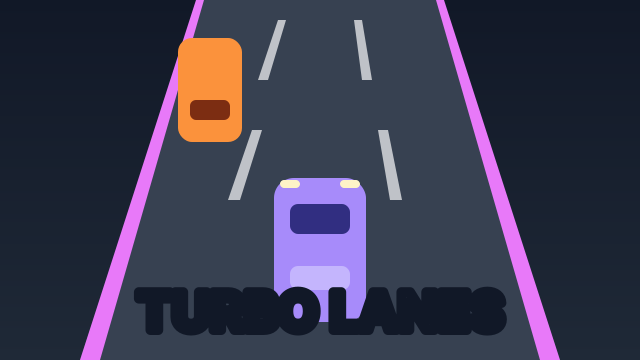
Your car accelerates on its own — steering is the only thing on your plate, and it’s plenty. Traffic streams down a three-lane highway, and your job is to snap between lanes to thread the gaps. Every meter driven adds to your distance score, the speed climbs relentlessly, and a single collision ends the run on the spot.
The traffic isn’t random noise: cars arrive alone or in pairs, which means there is always at least one open lane. The game is a conversation between your eyes and your thumbs — spot the open lane early, move once, and be already looking at the next wave before you’ve cleared this one.
Tips to Drive Farther
- Look up the road, not at your car. Your car is fine — it does what you tell it. The information is at the top of the screen where new traffic appears. The earlier you spot a pair of cars, the cheaper the dodge.
- Move once, not twice. Double lane-changes are where runs go to die, because the second change is made blind under pressure. Pick the lane that keeps your next option open.
- The middle lane is home base. From the center you can dodge either way. After every dodge to an edge lane, drift back to the middle when it’s safe.
- Expect the squeeze. As speed rises, gaps between waves shrink. Past 500m, treat every pair of cars as if the next wave is already right behind it — because it is.
Frequently Asked Questions
Is Turbo Lanes free to play?
Yes — free in your browser, no downloads, works on desktop and mobile.
Does the game ever end?
Only when you crash. Speed keeps climbing forever, so every run has a breaking point — your best distance is saved so you always have a mark to beat.
Keyboard or touch — which is better?
Both work great. Keyboard gives slightly crisper inputs; on a phone, tapping screen halves feels wonderfully arcade-like. Pick your poison.