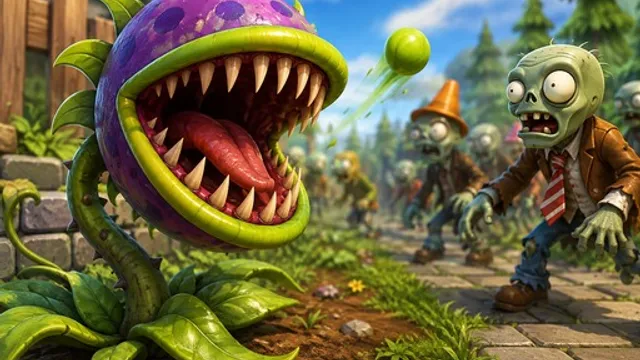
How to Play Defense Plants
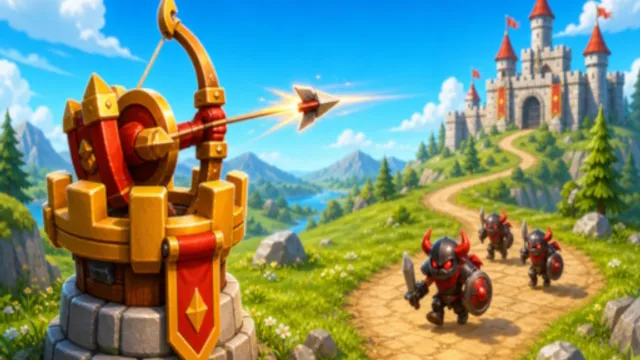
Monsters walk in from one side of the screen, and your plants are the only thing standing between them and your territory. Defense Plants is tower defense in its clearest form: you pick a plant from your available roster, click or tap a spot on the battlefield, and it stays there doing its job. Resources come in as the level runs, and spending them well is the actual game. Place too little too slowly and the first wave walks straight through. Overspend on one corner and the wave that comes down the other side finds nothing waiting for it.
Levels get harder in a way that rewards planning rather than reflexes. Each wave brings more monsters and tougher ones, so a layout that comfortably held wave two will start leaking by wave five unless you’ve been reinforcing it. Upgrades unlock as you go, and on-screen buttons let you manage what you’ve planted, use items, and pause to think — which is worth doing, because most losses here come from placing something in a hurry rather than from being outplayed. The interesting decisions are always about geography: which lane needs attention now, and which one can survive being ignored for another thirty seconds.
Tips for Holding the Line
- Build your resource base first. Whatever the game gives you for generating resources is your highest priority in the opening seconds. Every plant you can afford later depends on how quickly you got income running.
- Layer defenses, don’t spread them. Two plants covering the same stretch of path kill things twice as fast in the place that matters. A single plant per lane looks tidy and gets overrun.
- Pause before you place. The pause button exists so you can look at what’s coming without a monster walking past. Use it whenever you’re unsure, especially at the start of a wave.
- Reinforce the lane that nearly broke. If a wave got uncomfortably close on one side, that’s where the next wave will break through. Spend there before you improve anywhere that’s already comfortable.
Frequently Asked Questions
Is Defense Plants free to play?
Yes. It plays free in your browser, on computers and on touch devices.
How do I place a plant?
Select the plant you want from the interface, then click or tap the spot on the battlefield where you want it. On-screen buttons handle upgrades, items, and pausing.
Does the difficulty keep increasing?
It does. Each level brings tougher waves of monsters, so you need to keep collecting resources and unlocking upgrades rather than settling on one layout and leaving it alone.